
Use routine homeowner filter access and your model's shutdown instructions. A disposable pleated filter gets replaced; only a filter explicitly identified as washable gets wet.
Your filter-care comic
Start with steps 1–2. Choose the disposable route (3) OR the washable route (4–5), then finish with 6. The pictures show examples, not every equipment layout.
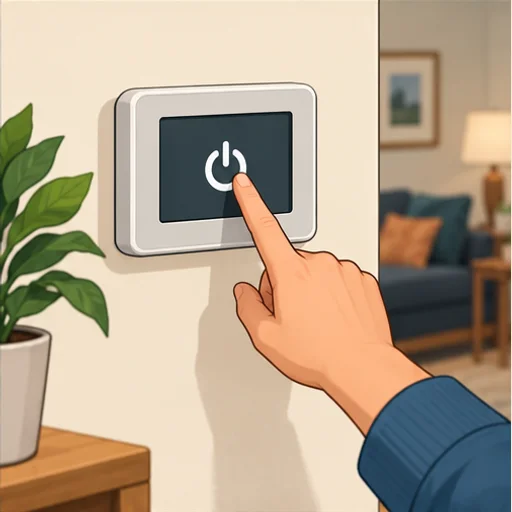 01
01Stop the system
Turn the system off, let the fan stop, and follow the manual's power-off procedure before filter access. A thermostat setting alone is not electrical isolation.
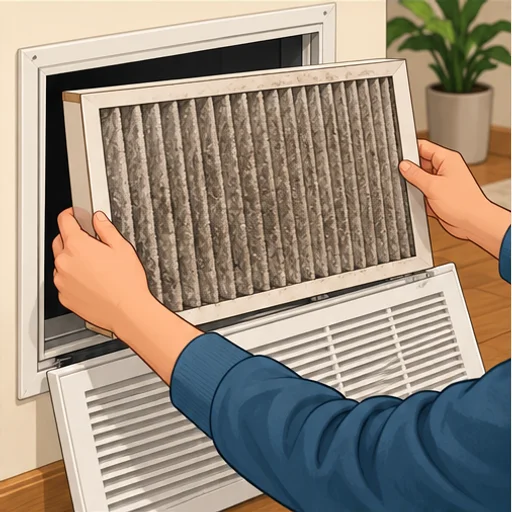 02
02Check the type, then remove
Check the manual and filter label. Open only the designated filter access. Note the size and orientation, then lift or slide the filter out gently without shaking dust indoors.
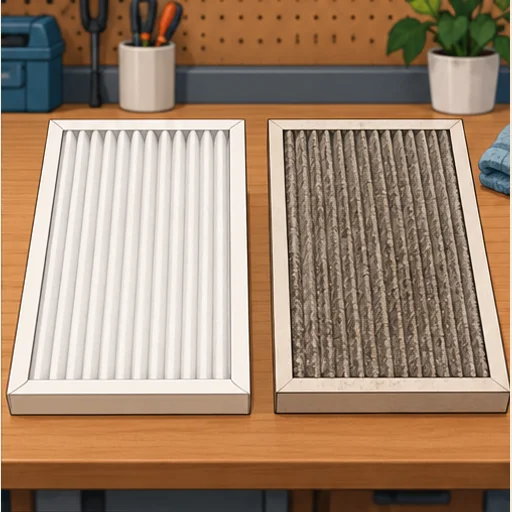 03ROUTE A · SKIP TO 6
Disposable? Replace it
Fit a new filter of the required size, thickness and approved type. Do not wash a disposable paper or pleated filter. Do not add a second filter layer.
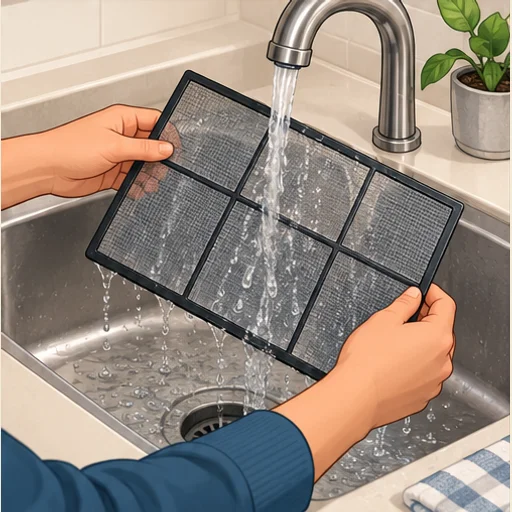 04ROUTE B
Washable? Clean gently
For a washable mesh screen, use the manual's vacuuming or rinsing method. Separate specialty inserts first if instructed: some must stay dry. Never spray water into the indoor unit.
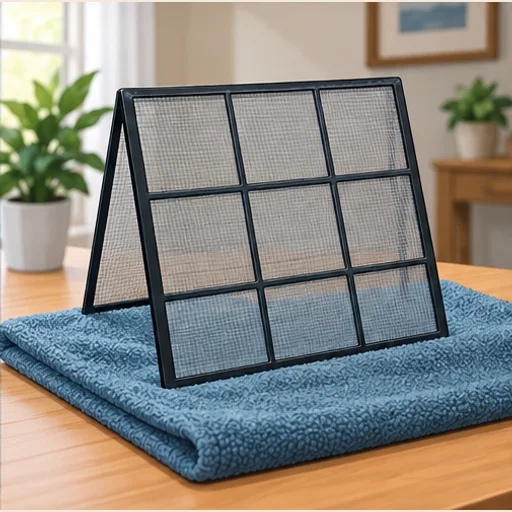 05ROUTE B
Let it dry completely
Allow the mesh screen to air-dry fully before reinstalling. Do not use a heater or hair dryer. Replace damaged mesh instead of putting it back.
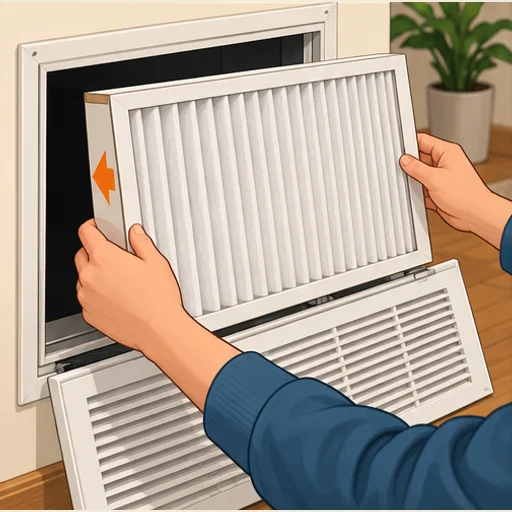 06
06Refit, close, restart
Follow the filter's airflow arrow toward the blower—not simply upward. For a screen without an arrow, follow its mounting instructions. Refit any inserts, close the cover, restore operation and note the date. Never run without the required filter.
Illustrations explain the sequence; your equipment manual controls the actual access, parts and procedure.
Before you start
Have the correct replacement or the washable-filter instructions ready, plus a bag for the dusty filter and a clean towel. Do not assume that every filter in a mini-split is washable. An electronic air cleaner has its own maintenance procedure.
This is a small care task, not a reason to reach into the blower or open a burner or electrical compartment. If the filter is out of safe reach, arrange suitable access rather than balancing on furniture.
When should you check again?
Use a monthly reminder to inspect a central-system filter, then follow its condition and manufacturer interval. Mini-split screens may need attention more often during heavy use. A calendar reminder is a prompt to look—not a promise that every filter lasts the same number of days.
A new filter is not a diagnosis
If airflow remains weak, the filter bends, a new whistle appears, or you notice ice or water, stop and have the system checked. Do not compensate by removing the filter or buying a more restrictive one.
Sources & further reading
General guidance informed by the sources below. Equipment-specific instructions take priority; accessory buying criteria are HVAC PM recommendations, not manufacturer approval.